
Managing apps#
You can manage apps in AiiDAlab from the Terminal. We also provide a graphical user interface for app management. You can access it by clicking on Manage App in the home page container of an app.
Upgrade/downgrade an app#
On the home app start page, simply look for the app you would like to upgrade.
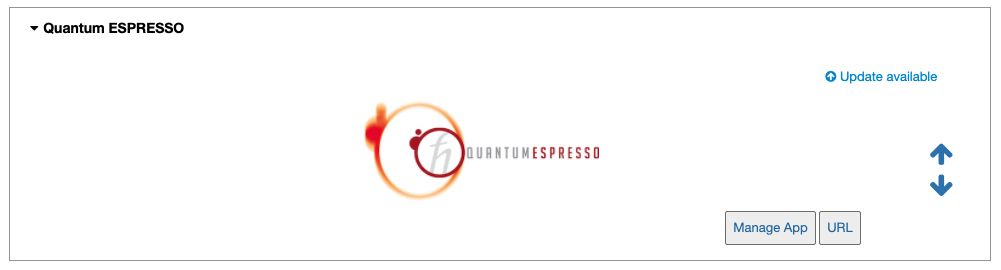
Click on the Manage App button to open the app manager.
The green Update button indicates that there is a newer version of the app available.
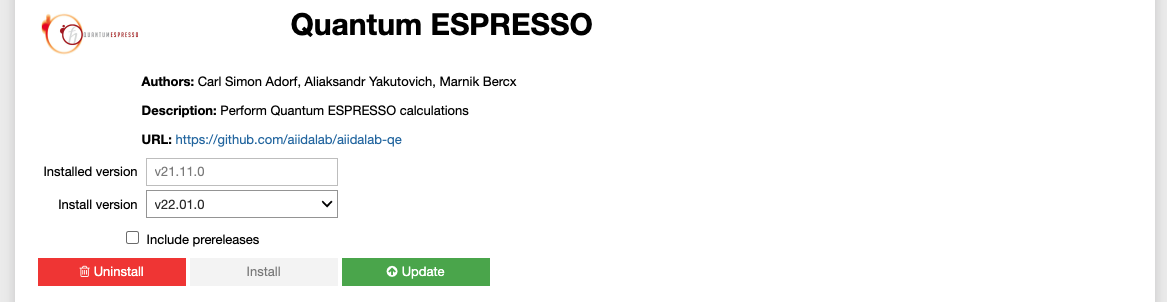
Click on the Update button to upgrade the app.
By default, the app will be upgraded to the latest available version, however you can alternatively select any available version, including a version that is lower than the currently installed one.
Within the Terminal, execute the following command to upgrade:
$ aiidalab install <app-name>
This will install the most recent version of an app, regardless of whether it is already installed or not. You will be prompted to confirm the operation.
You can install a specific version, by using standard PEP 440 version specifiers, for example:
$ aiidalab install quantum-espresso==v22.01.0
Uninstall an app#
On the home app start page, simply look for the app you would like to uninstall.
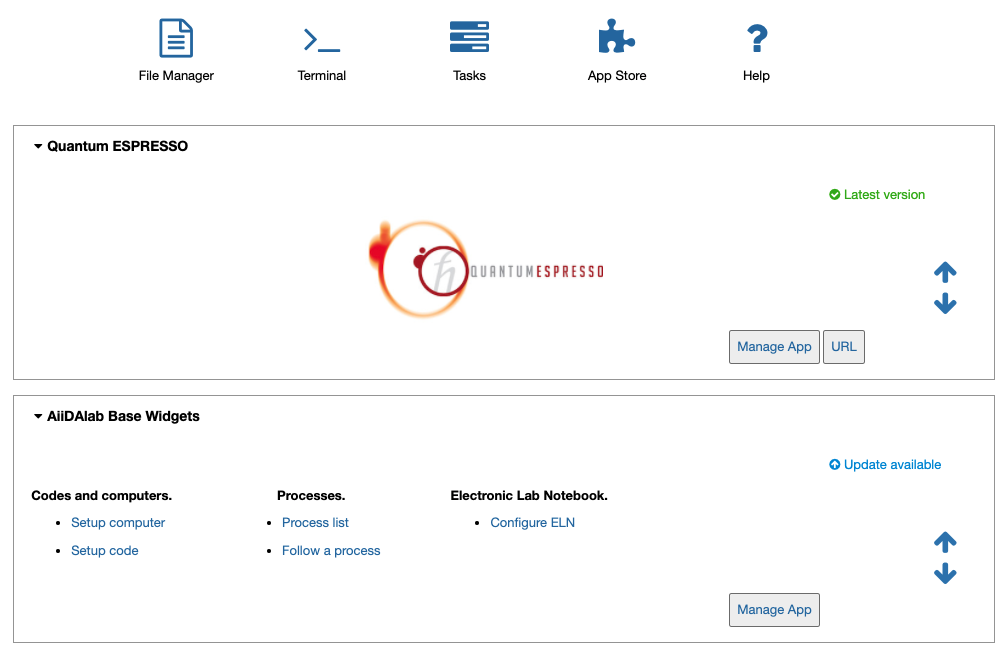
Click on the Manage App button to open the app manager.
The app manager allows you to uninstall the app or to install a different version.
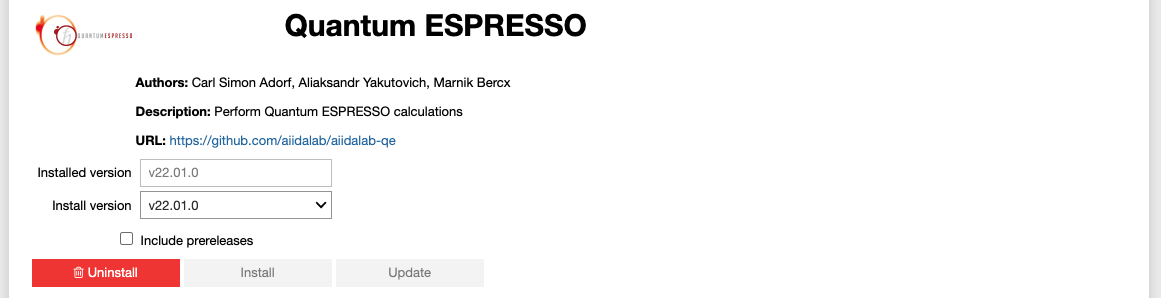
Click on the Uninstall button to uninstall the app.
Note
In some cases you will see a warning that uninstalling the app might lead to data loss. That warning indicates that there are local modifications to the app source code. You can safely ignore this warning and click on the “Ignore” check box in case that you are sure that any local modifications are safe to delete.
Within the Terminal, execute the following command to uninstall an app:
$ aiidalab uninstall <app-name>
You will be prompted to confirm the operation.